Features

Everything shipbrokers need to prepare charterer-ready offer sheets faster

Paste raw fixture traffic, confirm the extracted chartering terms, and send a professional PDF offer sheet only after broker approval.

Paste raw offer

Start with the fixture message already on your desk

OfferSheet AI accepts unstructured broker correspondence, including shorthand, subjects, and edits, so your desk does not need to re-key the same offer into a blank document.

  • Paste offer text from email or WhatsApp
  • Keep existing broker formats and fixture shorthand
  • Turn messy inbound fixture notes into a structured draft
  • Built for shipbroking offer-sheet preparation
Cargo vessel navigating Hamburg harbour
“Firm offer MV Baltic Dawn 28k wheat, Constanta/Abidjan, laycan 12/18 Aug, £18.50 pmt, demurrage 12k daily”

Message parsed

MV Baltic Dawn — wheat offer

£18.50 pmt

Laycan 12/18 Aug · PDF draft ready for broker review

Term extraction

Extract the chartering terms that matter

The AI identifies the core offer details brokers need to check before anything becomes a PDF or leaves the desk.

  • Vessel, charterer, cargo, and quantity
  • Laycan, freight rate, demurrage, and laytime
  • Commissions and other negotiated offer terms
  • Structured fields ready for broker review
Aerial view of a container terminal and cargo port

Extracted terms

  • VesselMV Baltic Dawn
  • ChartererBluewater Trading
  • Cargo28,000 mt wheat
  • Laycan12/18 Aug

Structured review

Move from messy text to fields you can check

OfferSheet AI turns the raw fixture message into a review form so brokers can verify each term instead of hunting through the thread again.

  • Clear before-and-after flow from message to fields
  • Broker-editable terms before PDF generation
  • No hidden auto-send step
  • Designed for abbreviations and commercial shorthand
Container terminal cranes loading a cargo vessel

Input

WhatsApp or email fixture text

Fixture terms, abbreviations, subjects, and broker notes pasted together

Structured review form

Broker checks every field

No PDF or email until approval

Mandatory broker review

A broker approves every offer sheet before sending

AI helps with extraction and drafting, but OfferSheet AI never sends on its own. Broker review is a required step before PDF generation and email.

  • Review gate before anything leaves the desk
  • Confirm sensitive terms like laytime and commissions
  • Edit extracted fields before PDF creation
  • Nothing is ever auto-sent
Bulk carrier vessel at sea

Review required

Broker approval gate

  • Laytime clauseConfirmed
  • Commission splitNeeds check

PDF and email

Generate a charterer-ready PDF and email it

Once a broker has approved the reviewed terms, OfferSheet AI generates the offer-sheet PDF and emails it from the desk.

  • Professional PDF offer sheet output
  • Email the reviewed PDF directly
  • Avoid rebuilding the same document manually
  • Keep broker approval before any PDF or email leaves the desk
Container ship alongside cranes in harbour

Reviewed offer

MV Northern Star / grains

Approved by broker

PDF generated

OfferSheet-1042.pdf

Ready for charterer email

Coming soon

Forward a negotiation thread in

A future workflow will let you forward an email fixture negotiation thread to OfferSheet AI and receive a reviewed PDF back automatically. This is not live yet.

  • Forward full email fixture negotiation threads
  • Extract the latest agreed terms from the conversation
  • Return a reviewed PDF offer sheet automatically
  • Clearly marked as coming soon until available
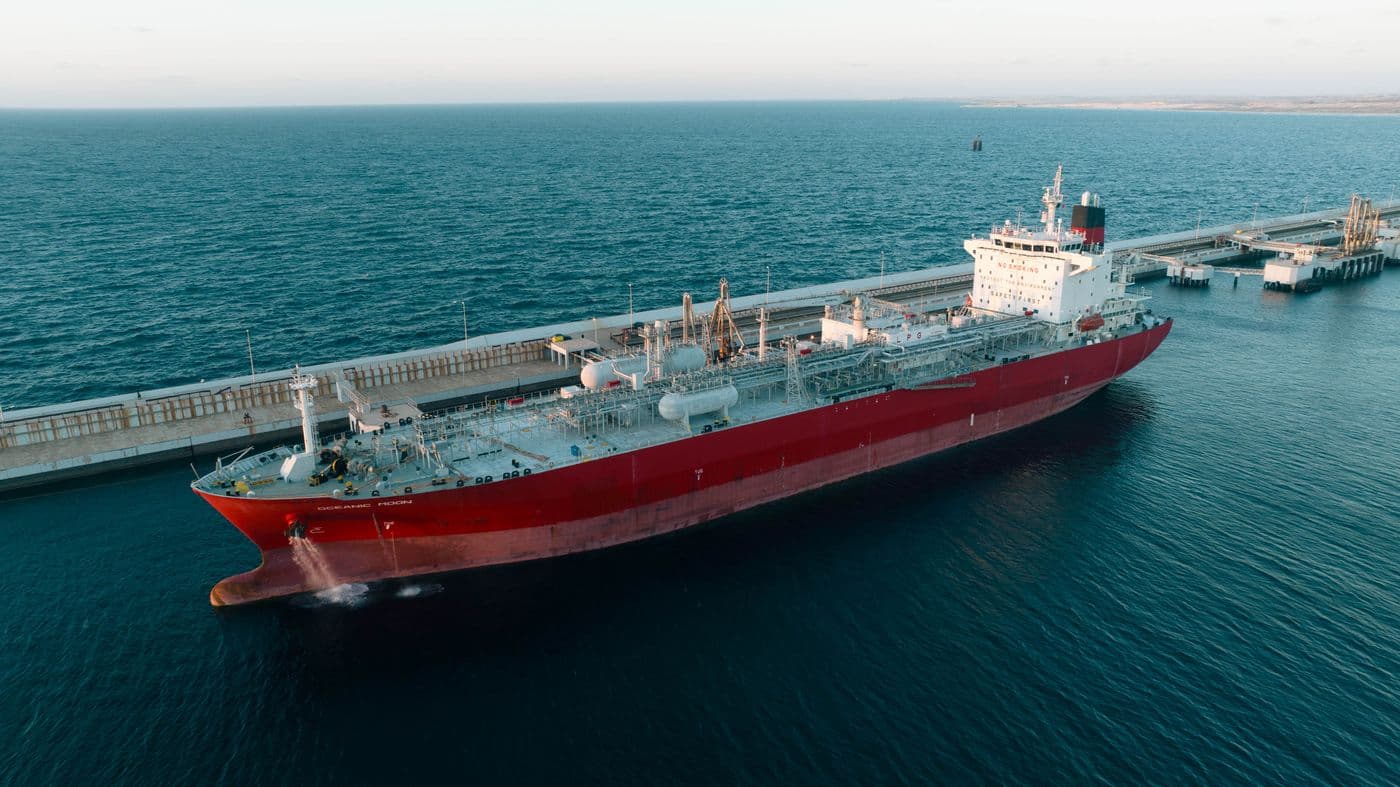
Cargo vessel berthed beside a seaside port

Output

PDF offer sheet

Sending

Desk email

Control

Broker review

Status

No auto-send

All features. One plan.

£75/month. One tier for the chartering desk.

Start on the desk →